Microsoft Word
- 1In Word’s font box, Shree-Dev 0714 may be listed as “shree dev 0714” or “shree dev 714”. Pick the name your installed copy shows.
- 2Turn off spell-check for the pasted text (Review → Language → Set Proofing Language → Do not check spelling or grammar). Word sees Latin letters and underlines everything.
- 3If you edit the text by typing, also turn off AutoCorrect’s “smart quotes”: legacy fonts use the straight ' and " keys for letters, and curly quotes are different characters.
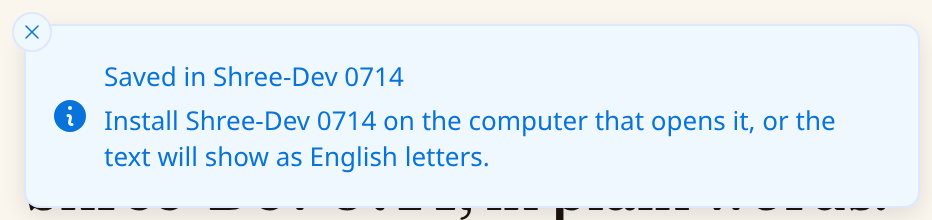
- 4Before you send a PDF, check that it really contains the font: open it on a computer without Shree-Dev 0714, or look under File → Properties → Fonts in Acrobat Reader.
Menu names and the PDF options may differ by Word version and platform.