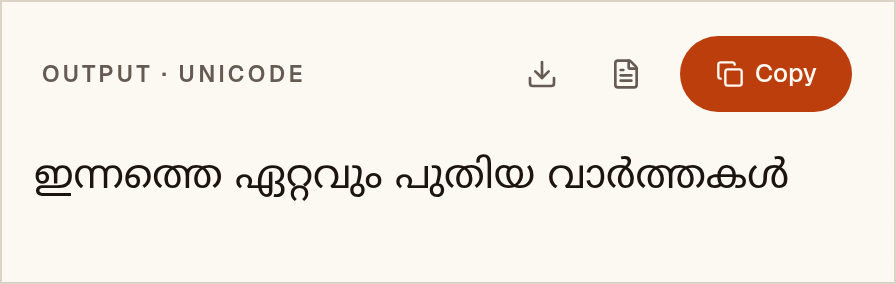
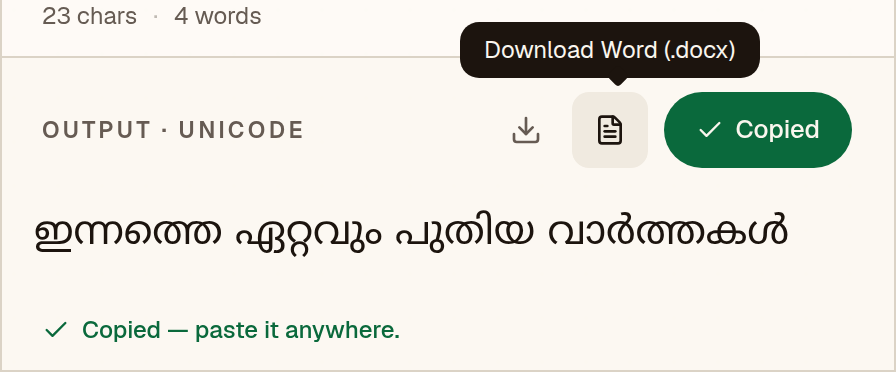
![FML Malayalam to Unicode converter with “From” set to FML Malayalam and the FML Malayalam sample “C¶s¯ Gähpw ]pXnb hmÀ¯IÄ” pasted into the input box](/tutorials/fml/step-1.webp)
Microsoft Word
- 1Paste the converted text, then press Ctrl+A (Cmd+A on Mac) to select everything.
- 2On the Home tab, click the font box, type “Noto Sans Malayalam” and press Enter.
- 3Optional: Review → Language → Set Proofing Language → Malayalam, so spell-check does not underline everything.
- 4If the text still shows boxes, install a Unicode font that covers the script, such as Noto Sans Malayalam.